
Project detail • AR / Learning Technology • 2025–2026
AR Density Learning App (Bachelor Project)
A mobile AR learning application designed to help students understand the relationship between mass, volume, and density by visualizing materials as correctly scaled 3D objects in the real world.
Project summary
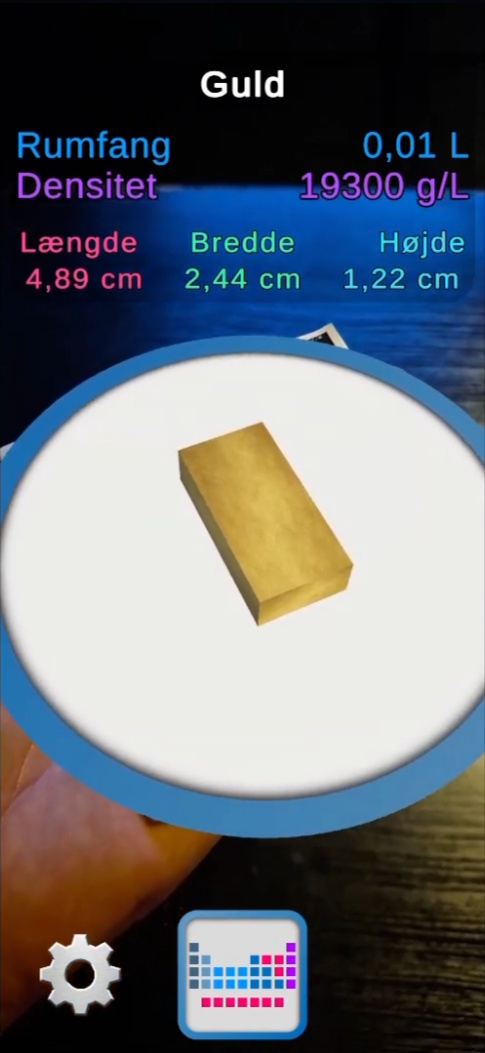
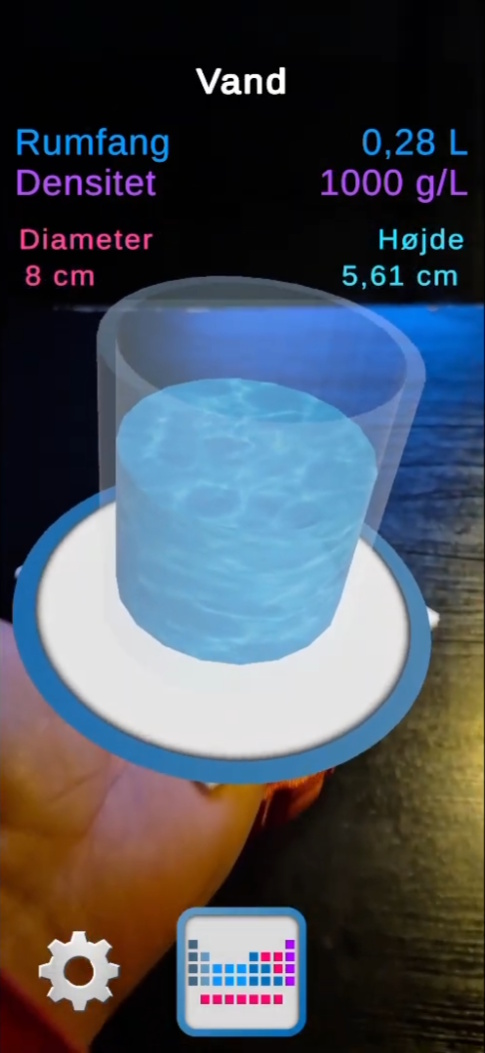
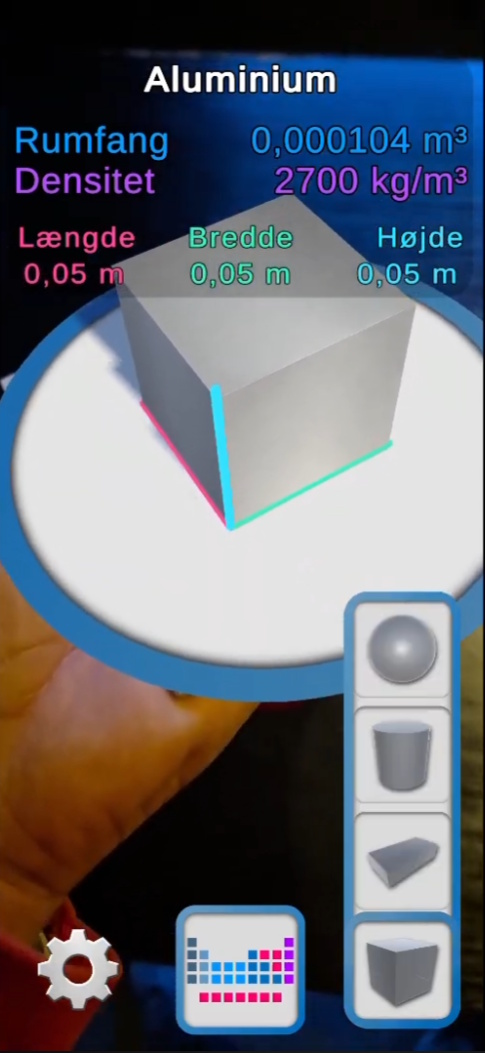
This bachelor project explores how mobile augmented reality can be used as a learning technology supplement in physics and chemistry education. The application visualizes materials as scaled 3D objects placed on a tracked physical reference object, making it possible to compare how materials with the same mass can occupy very different volumes depending on their density.
The project combines AR implementation, calculation logic, interface design, and iterative testing. A major part of the work was making the application technically robust while also keeping it clear and understandable for the intended users. The result was a working Android AR application developed in Unity with AR Foundation and refined through classroom feedback and repeated iteration.
Main media
Gallery
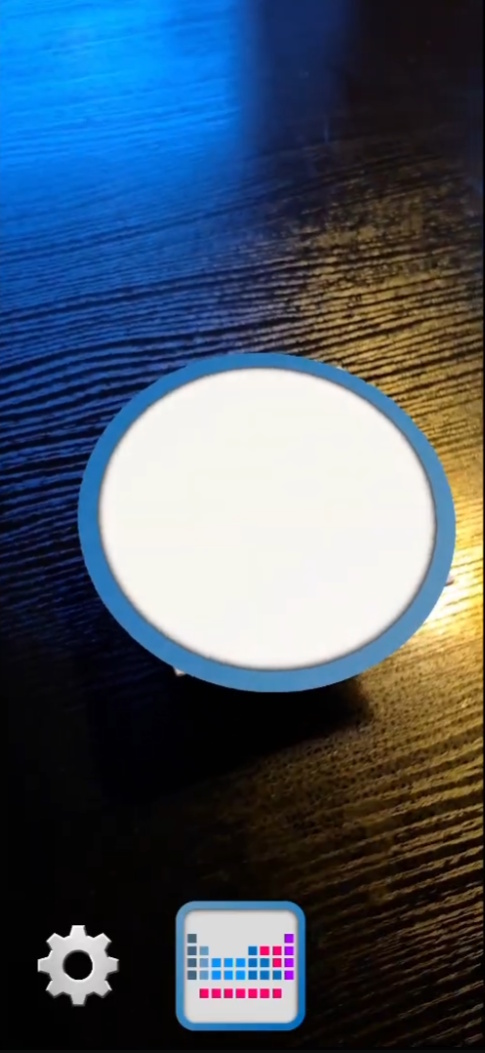
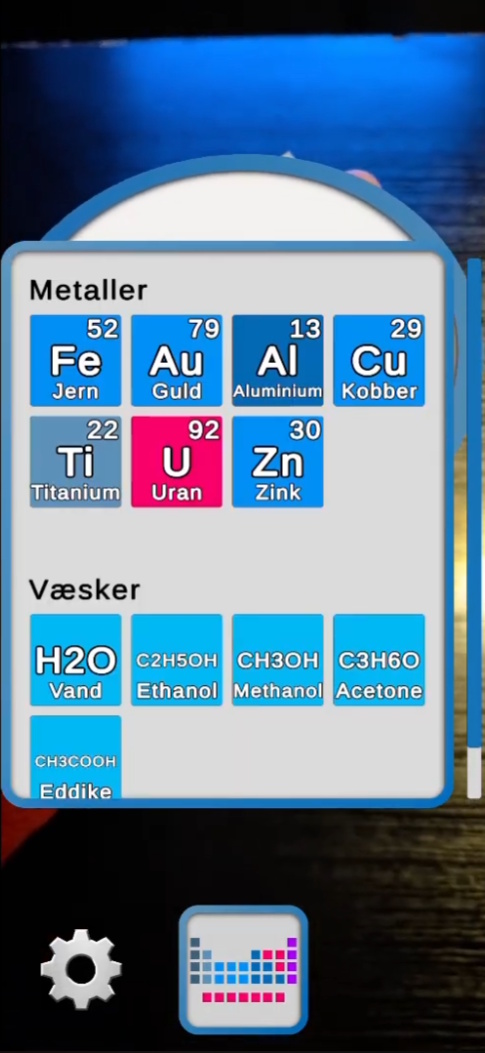
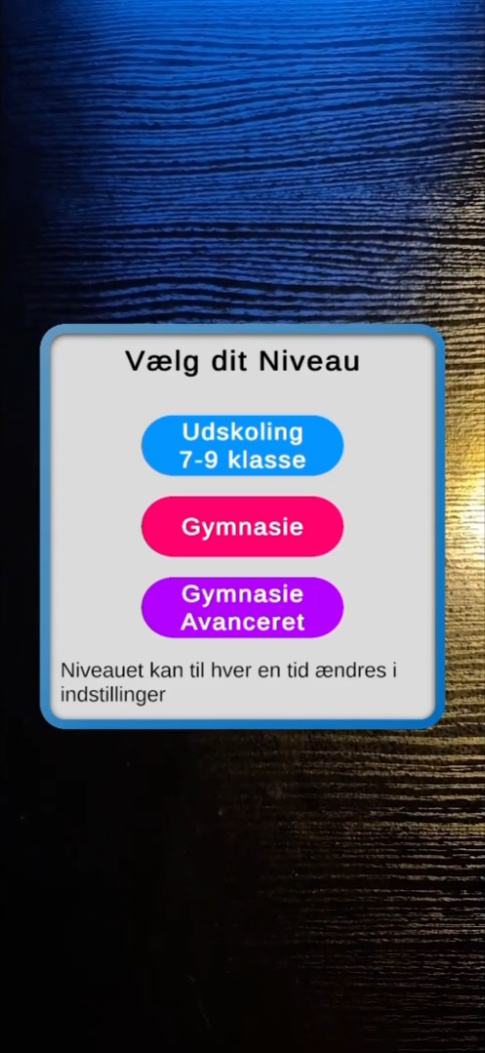
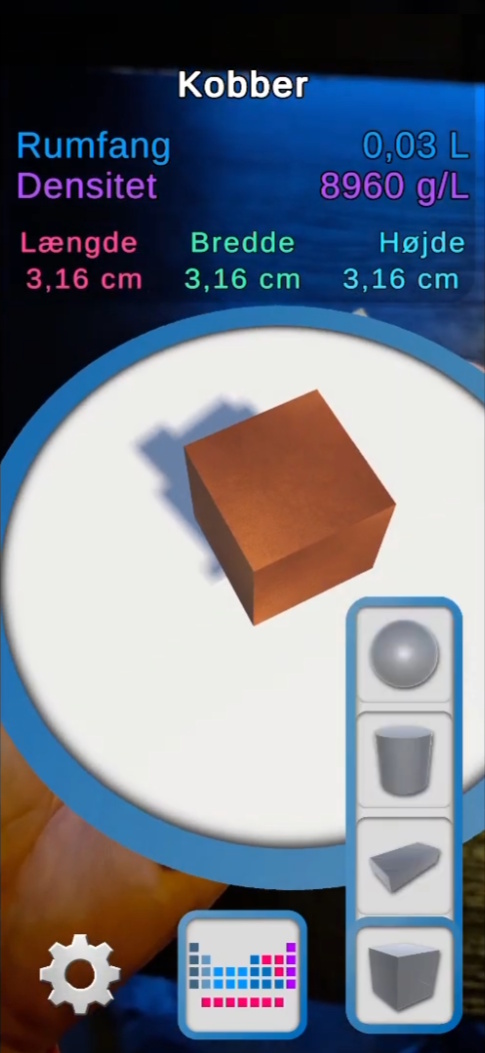
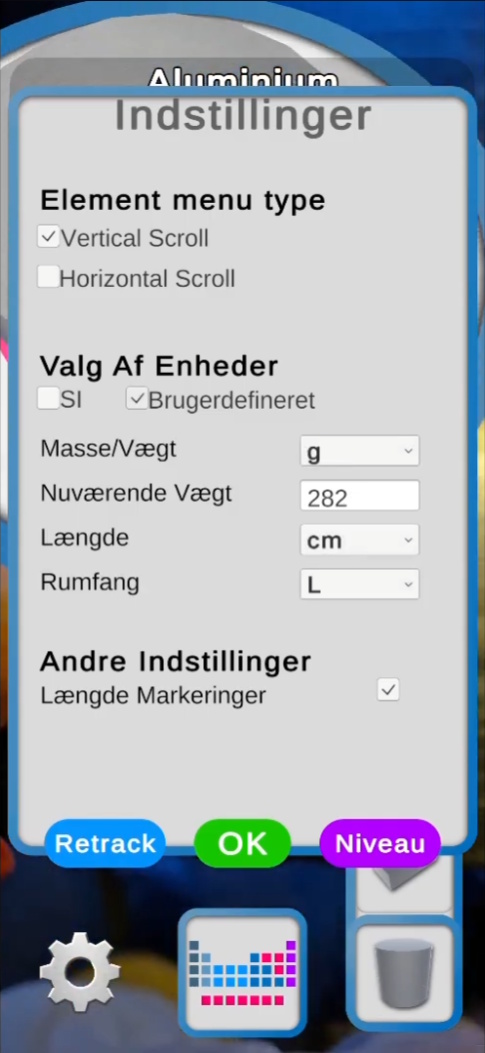
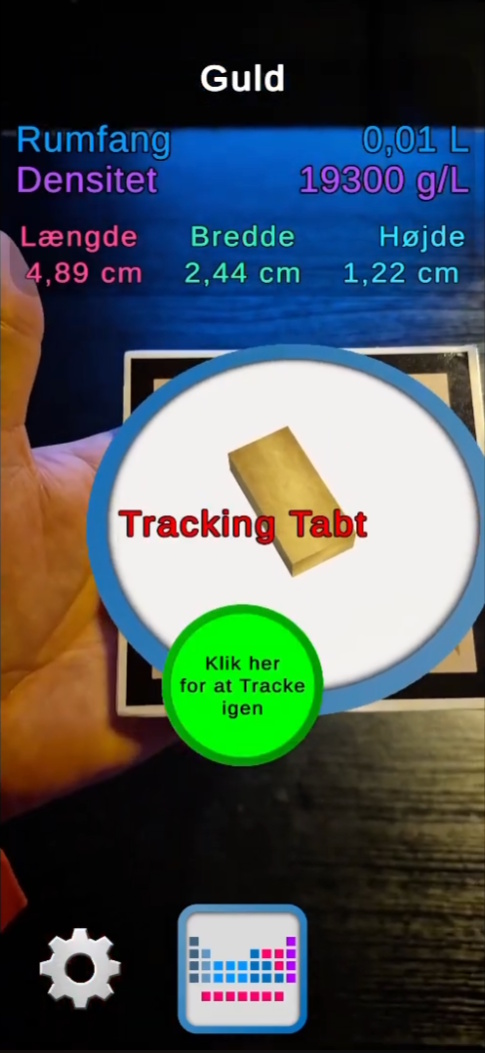
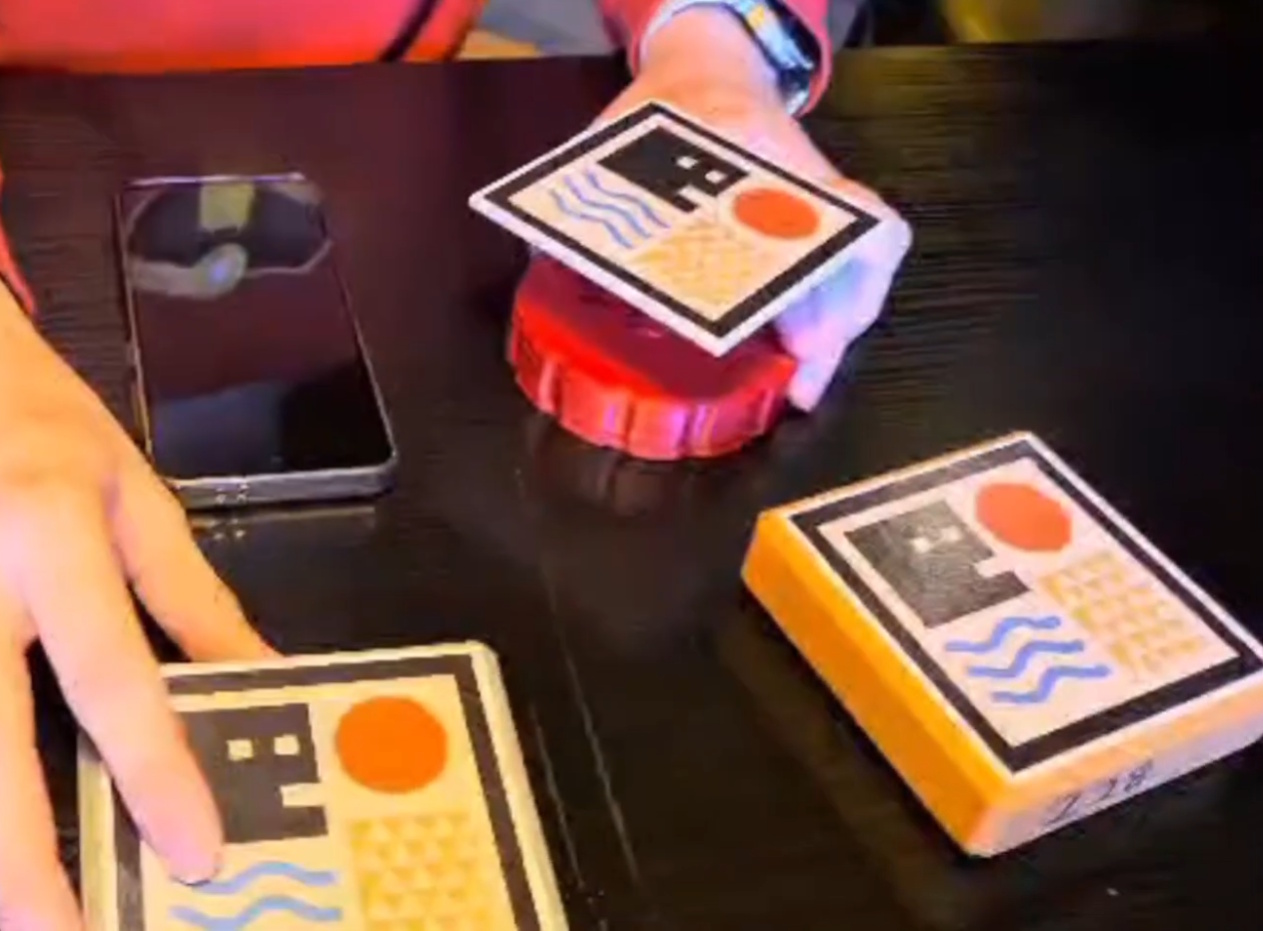

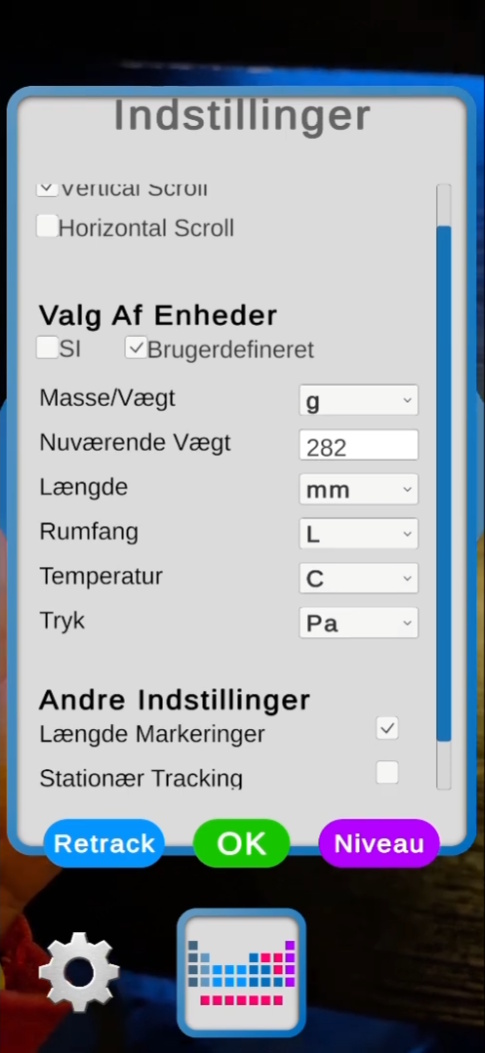
Overview
This project was developed as my bachelor project in Game Development and Learning Technology. The goal was to explore how a mobile AR application could be used as a learning technology supplement in physics and chemistry education to support students’ understanding of the relationship between mass, volume, and density.
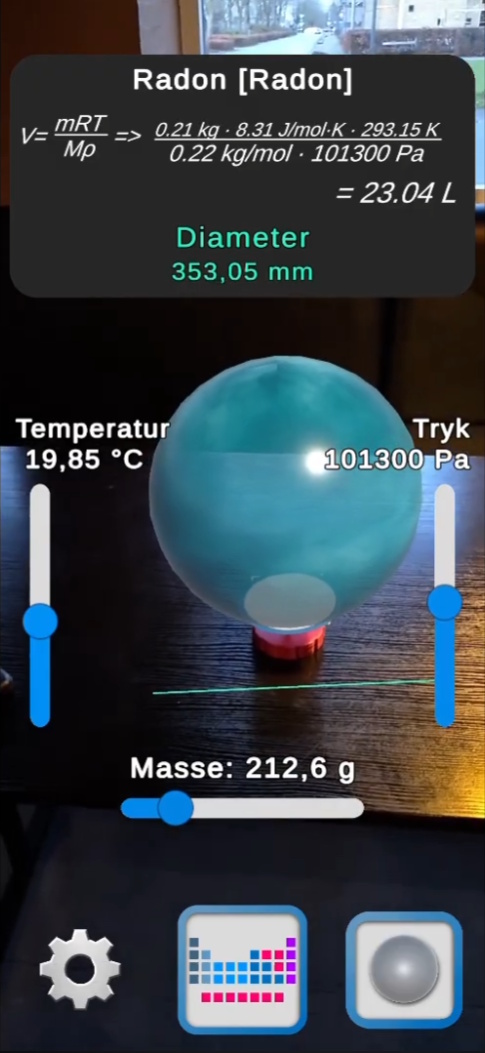
The app was built in Unity using AR Foundation for Android devices. By projecting virtual 3D representations of materials onto a physical reference object with known mass, the application makes it possible to see how materials with identical mass can occupy very different volumes depending on their density. The system was designed as a supplement to teaching rather than a standalone learning platform.
My role
This was a solo project, and I was responsible for the full implementation of the application as well as the design, testing, and iteration process.
- Built the app in Unity using AR Foundation 6.0 for Android
- Implemented image-based AR tracking and object placement on a physical reference object
- Developed the calculation logic for solids, liquids, and gases
- Designed the UI and interaction flow, including level-based functionality
- Conducted iterative user testing with lower secondary school students and incorporated feedback into later versions
Process and development
The project followed an iterative development process rather than a strict linear one. I started with early AR prototypes to test whether image tracking, scaling principles, and object stability would work well enough in practice before expanding the system further. As the project developed, technical implementation and didactic considerations influenced each other continuously.
A central part of the system was the separation between calculation and presentation. Solids and liquids were calculated using density, while gases were calculated using the ideal gas law. Keeping these calculations in a dedicated calculation module made it easier to adapt the interface and unit display without changing the underlying physical relationships. This also supported real-time interaction, where changes in parameters immediately affected the visual output.
As testing progressed, several features were simplified, limited, or reorganized in order to make the app more understandable for the intended target group. One important result of this process was the introduction of a level-based system, where functionality could be differentiated depending on the students’ academic level.
Challenges and solutions
Challenge
One of the main challenges was balancing technical functionality with educational clarity. Early versions risked becoming too complex for younger students, and AR tracking could also be unstable when the marker was partially lost or the lighting conditions changed.
Solution
I addressed this by simplifying the interface, limiting features in the introductory stages, and introducing a level-based structure that better matched different learner groups. On the technical side, the application retained the last valid tracking position to create a more stable and robust user experience when tracking briefly dropped out.
Outcome and reflection
The final result was a functioning AR application that visualized materials in correct scale relative to a physical object with known weight. The classroom tests suggested that students were able to relate the visualizations to their everyday understanding of weight and size, and that the app helped make the relationship between mass, volume, and density more concrete and intuitive.
At the same time, the project was not intended to measure learning effects quantitatively. The testing focused on usability, intuitive interaction, and perceived conceptual understanding rather than formal learning outcomes. That means the project should be understood as demonstrating practical potential and design value rather than proving educational effect in a strict research sense.
Looking back, one of the most important lessons from the project was how much value there is in combining technical prototyping with real user feedback. The strongest improvements did not come only from building more features, but from simplifying, restructuring, and making the system more understandable for the intended users.
Want to see more?
You can go back to the projects overview or get in touch if you want to know more about this project.